 FoldSpec
folding cartons
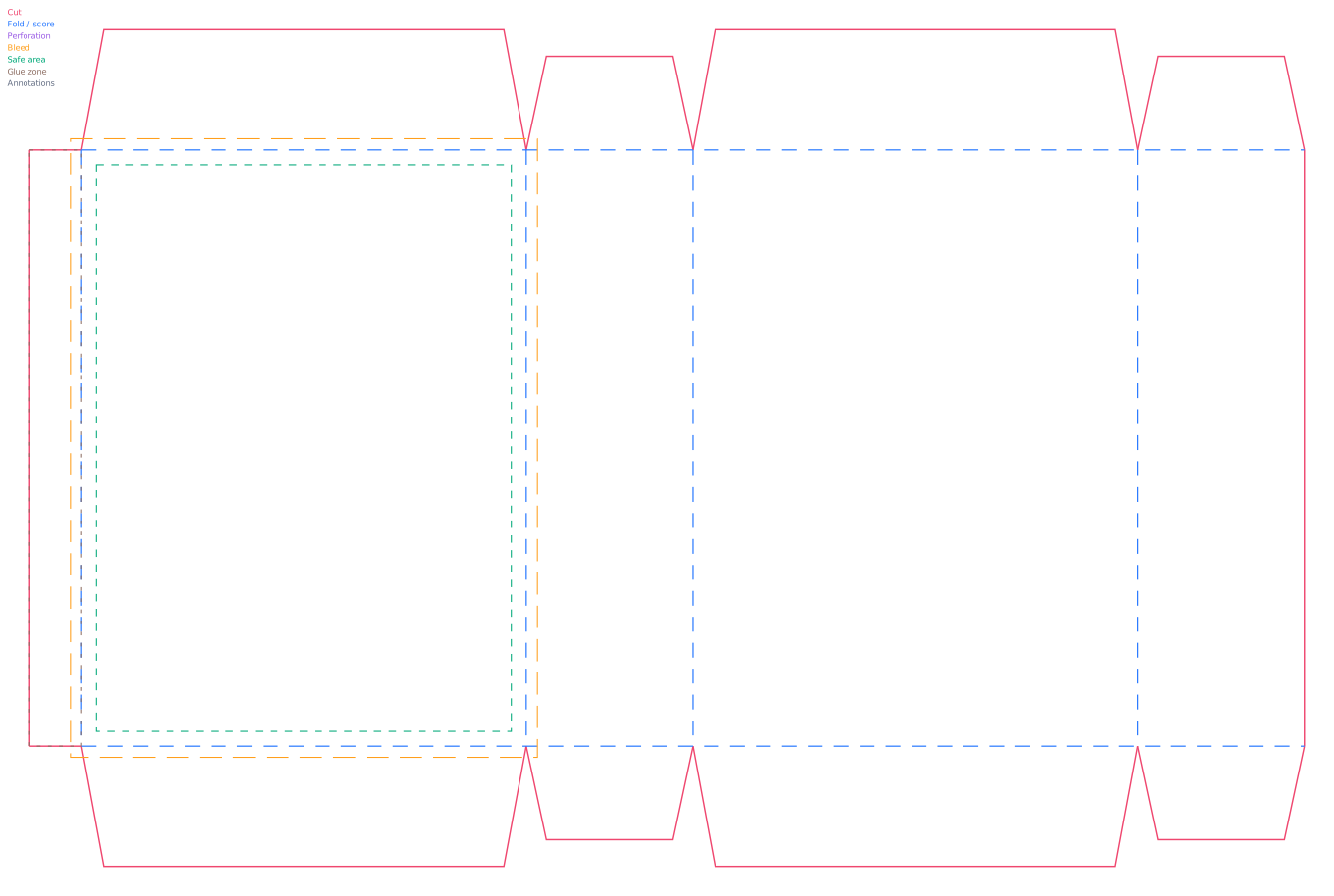
Straight tuck end box
A clean retail carton with both tuck closures facing the same direction.
Open generator →Packaging structure studio
Choose a structure, enter dimensions and inspect a flat dieline in your browser. Your project stays on your device; no account is required.
Start with the job
Panel width and depth set the footprint; height sets the carton height.
Start with the inside product footprint and its packed height.
Small parcel starting point: mailer box →
Enter the product footprint and height. This catalog does not generate a standard corrugated shipper.
Choose the open tray or its wrap: Four-corner tray · Packaging sleeve
For a tray, start with the footprint and wall height. For a sleeve, check the wrap perimeter and sliding clearance.
Start with a reviewed structure
folding cartons
A clean retail carton with both tuck closures facing the same direction.
Open generator →folding cartons
A material-efficient carton with top and bottom tucks facing opposite directions.
Open generator →folding cartons
A hand-assembled interlocking base for moderate product weight.
Open generator →folding cartons
A fast-erecting pre-glued base for repeated packing workflows.
Open generator →folding cartons
A compact curved-end package for gifts and lightweight products.
Open generator →folding cartons
A handled carton with pitched top panels for gifts, food and event kits.
Open generator →mailers trays
A one-piece hinged mailer with roll-over side walls and front lock.
Open generator →mailers trays
An open-ended wraparound sleeve for trays, products and secondary branding.
Open generator →mailers trays
An open tray with fold-up walls and corner bonding tabs.
Open generator →Finished size, material, seam, closure and artwork allowances remain separate and editable.
Download vector and print formats, then verify units and scale in the destination application.
Digital preflight catches internal inconsistencies. It never replaces a prototype built with the final product and stock.